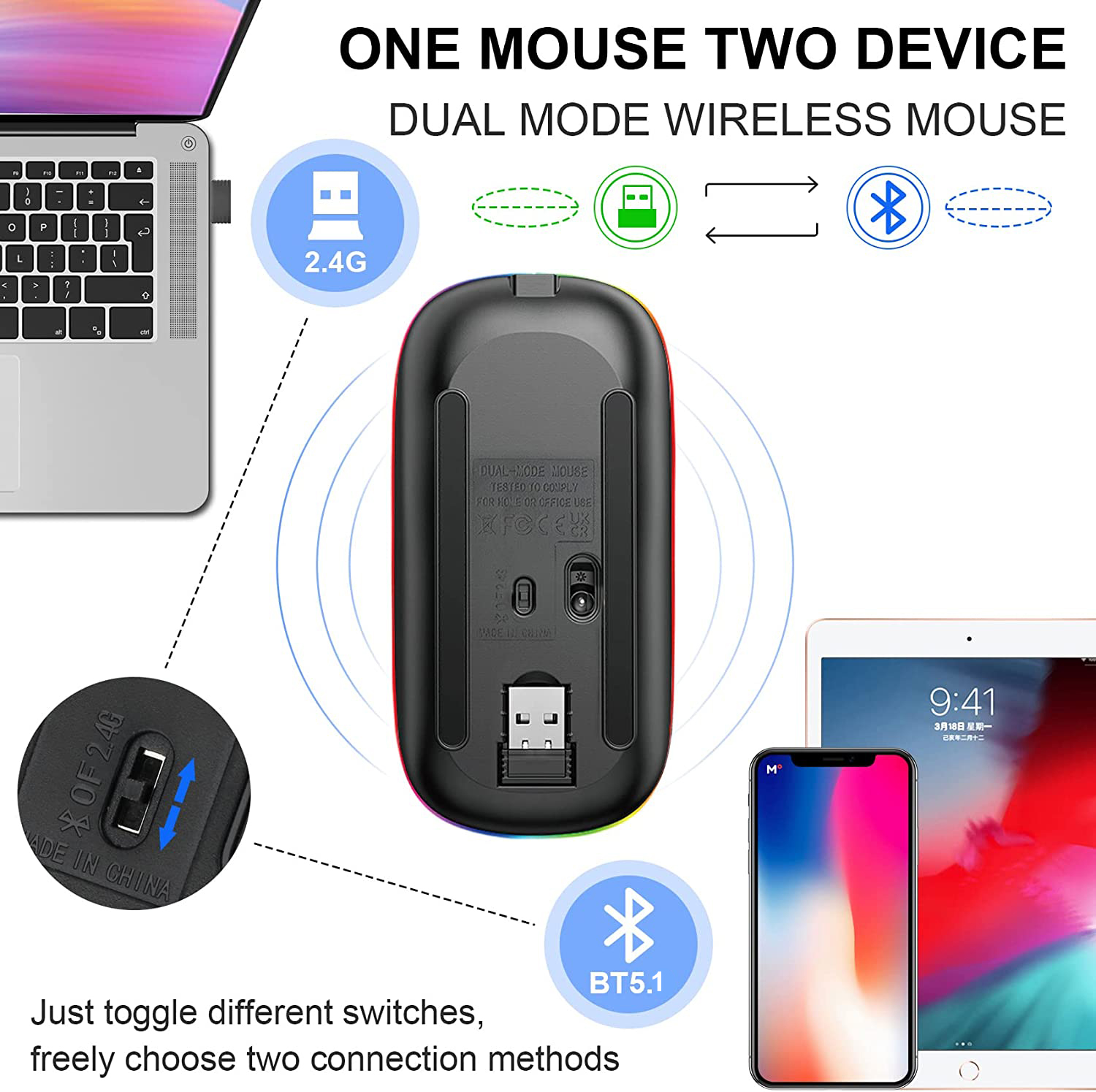
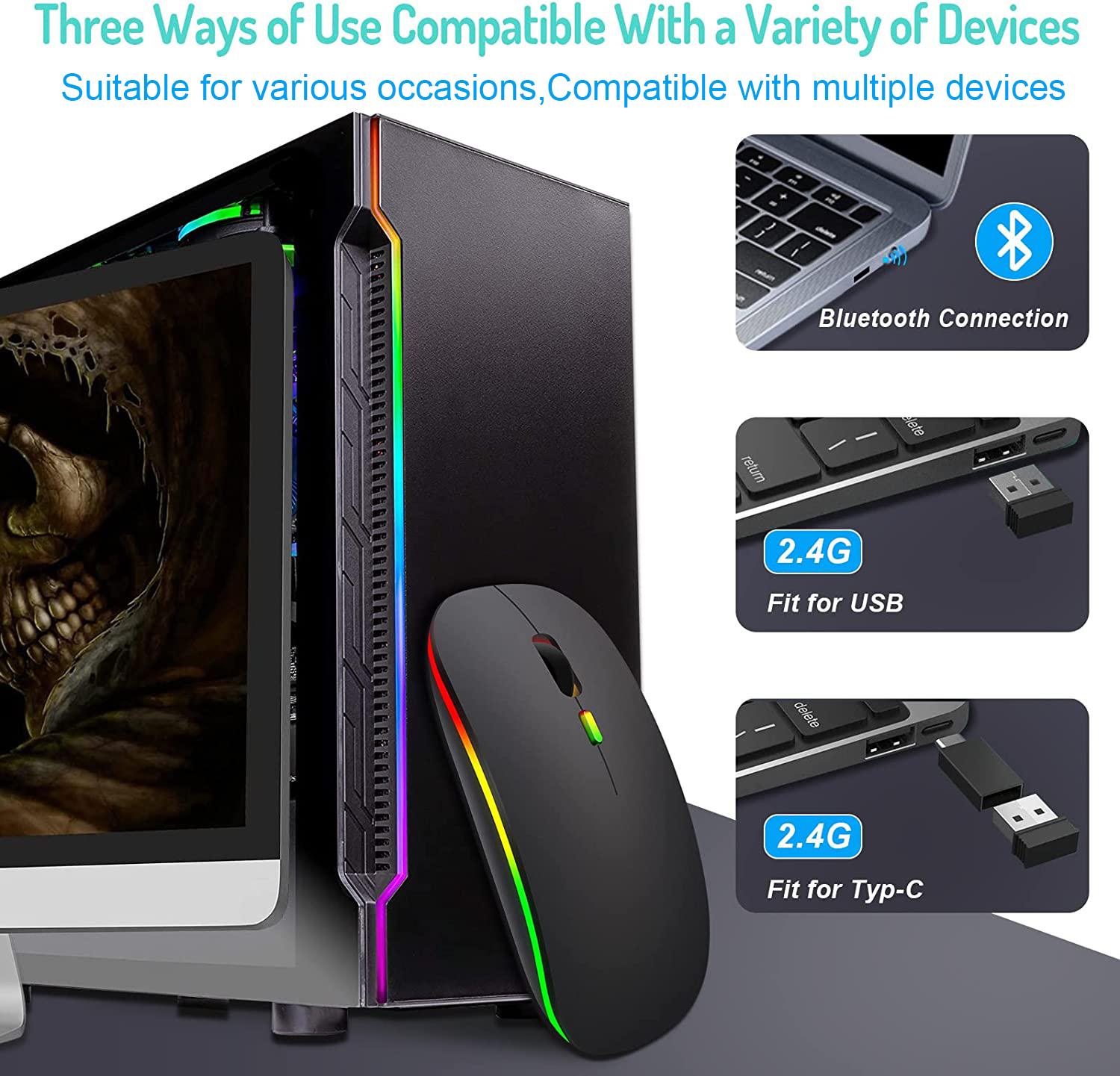
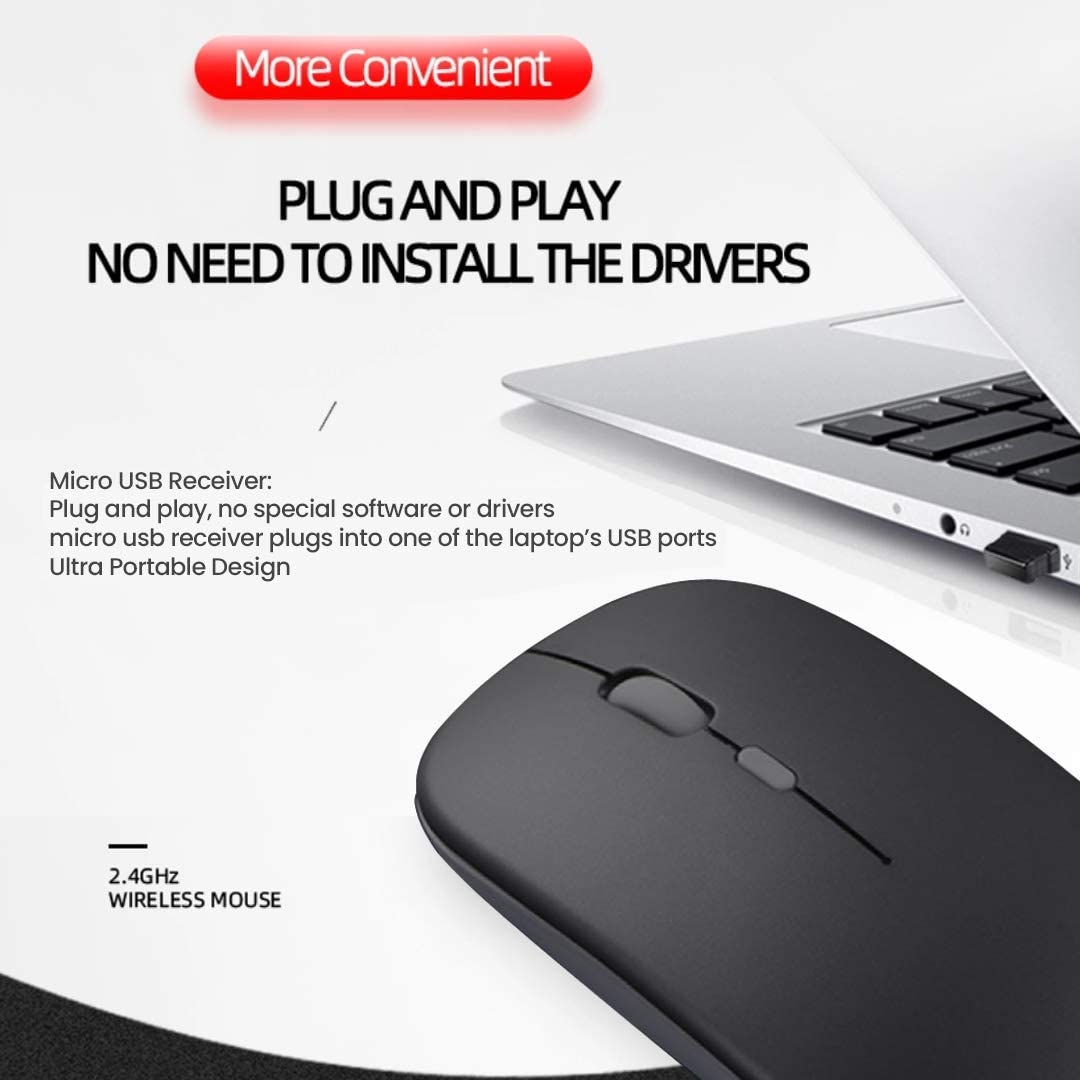
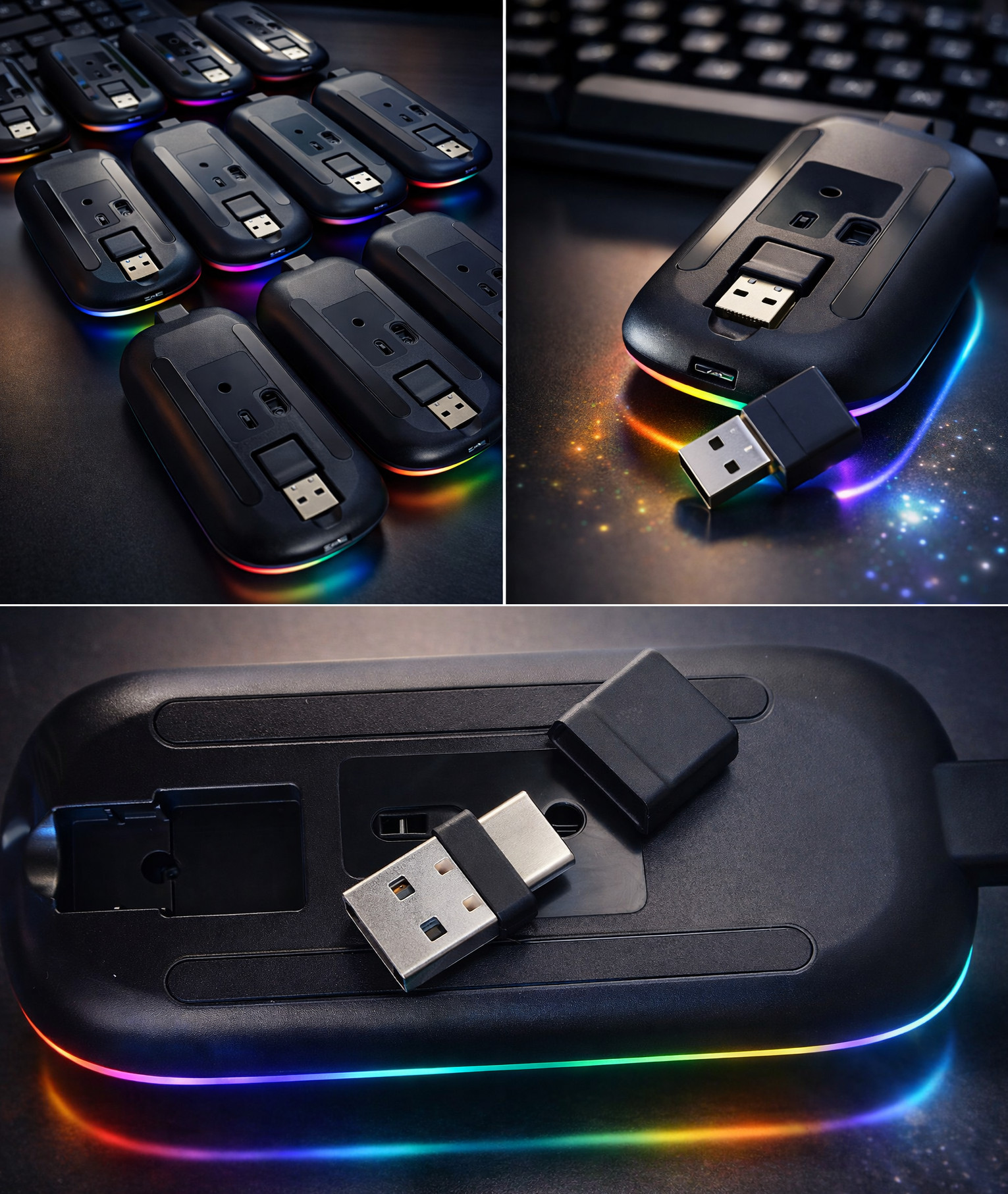
How to connect it? *Charge the mouse around 2 hours before first time using* A. 2.4 GHz Mode Wireless Mouse: Switch to "ON/OFF" button to right.And plug the receiver into the USB port of your computer, then you can use the mouse in 2.4 GHz Mode Note: To save space, the receiver is stored in the bottom of the mouse B. Bluetooth Mode Mouse: 1.Turn on the device's Bluetooth function 2.Switch to "ON/OFF" button to left. (Bluetooth mode) 3. Search the product of Bluetooth and find “BT5.1 Mouse” to pair. Then you can use the mouse in Bluetooth Mode
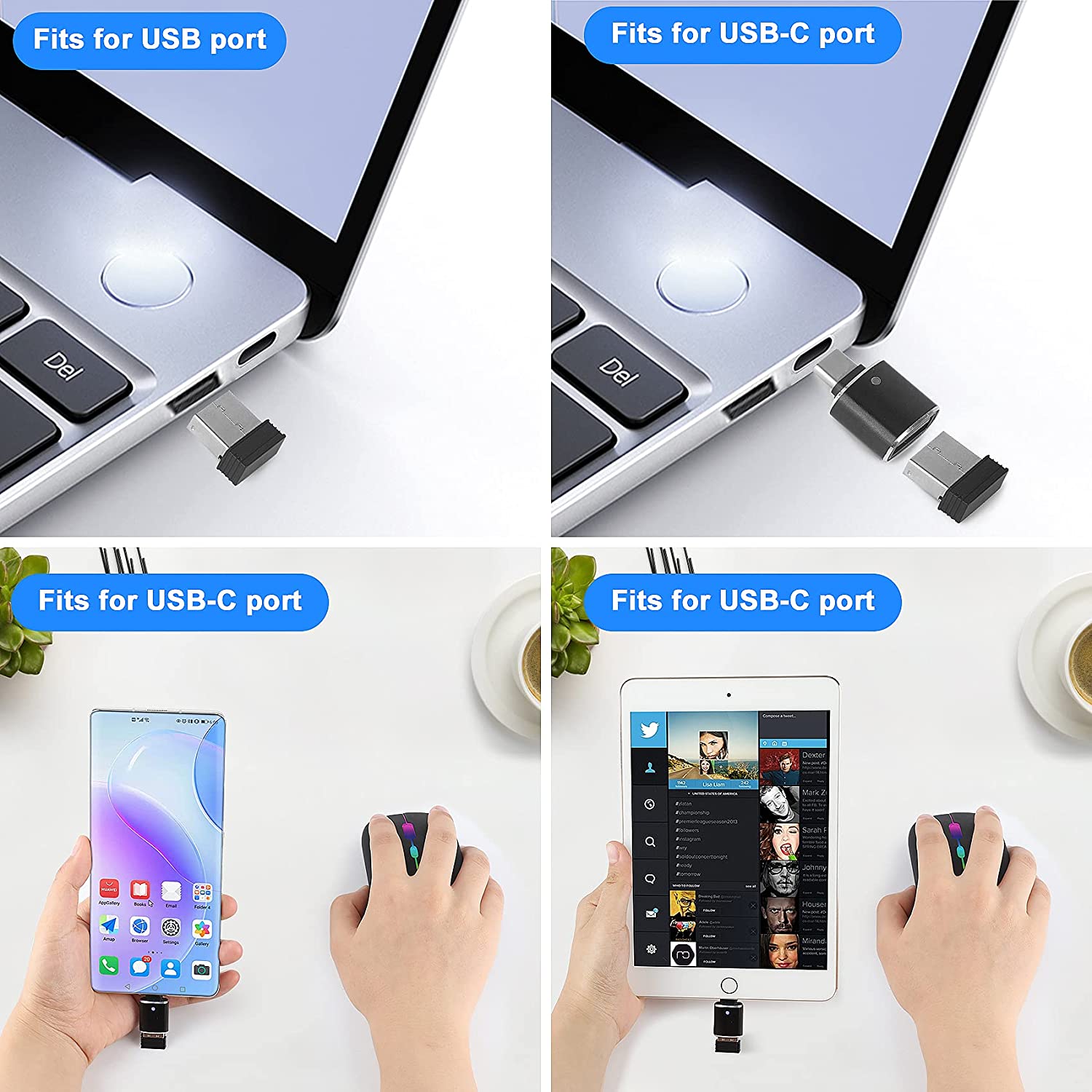
Many customers mentioned that single-head receivers are easy to lose or misplace, which is very inconvenient. As the original manufacturer, we listened closely and improved the design immediately. The new dual-head receiver is more convenient to store and will not get lost.
|
Home > PC Parts > Peripherals > Mouse & Mouse Pads > Mouse > Wireless Mouse 2.4G Bluetooth Mouse Rechargeable Silent Mouse USB & Type-c Receiver Dual Mode LED Mouse Laptop Mouse for Computer MacBook iPad iPhone
Wireless Mouse 2.4G Bluetooth Mouse Rechargeable Silent Mouse USB & Type-c Receiver Dual Mode LED Mouse Laptop Mouse for Computer MacBook iPad iPhone
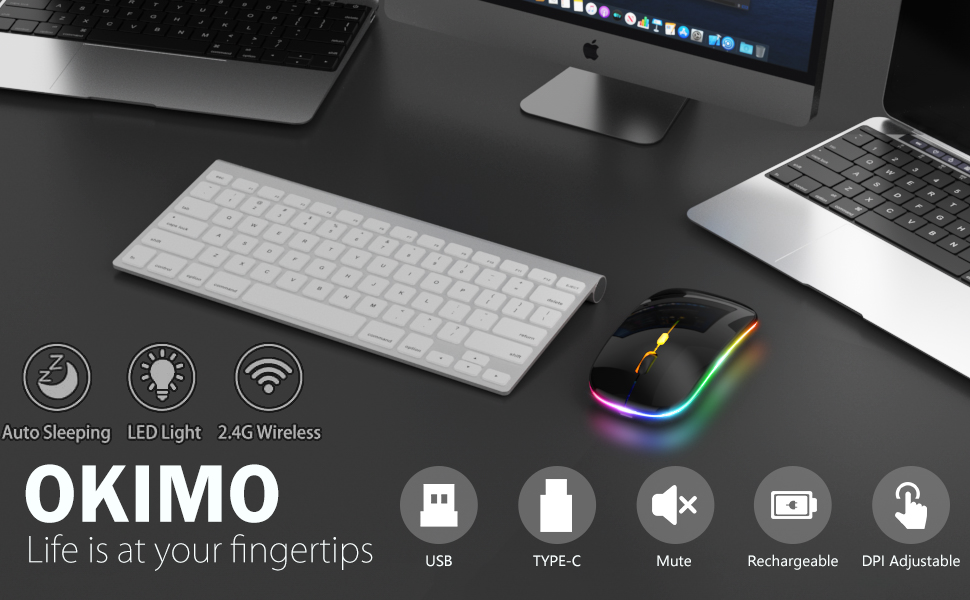
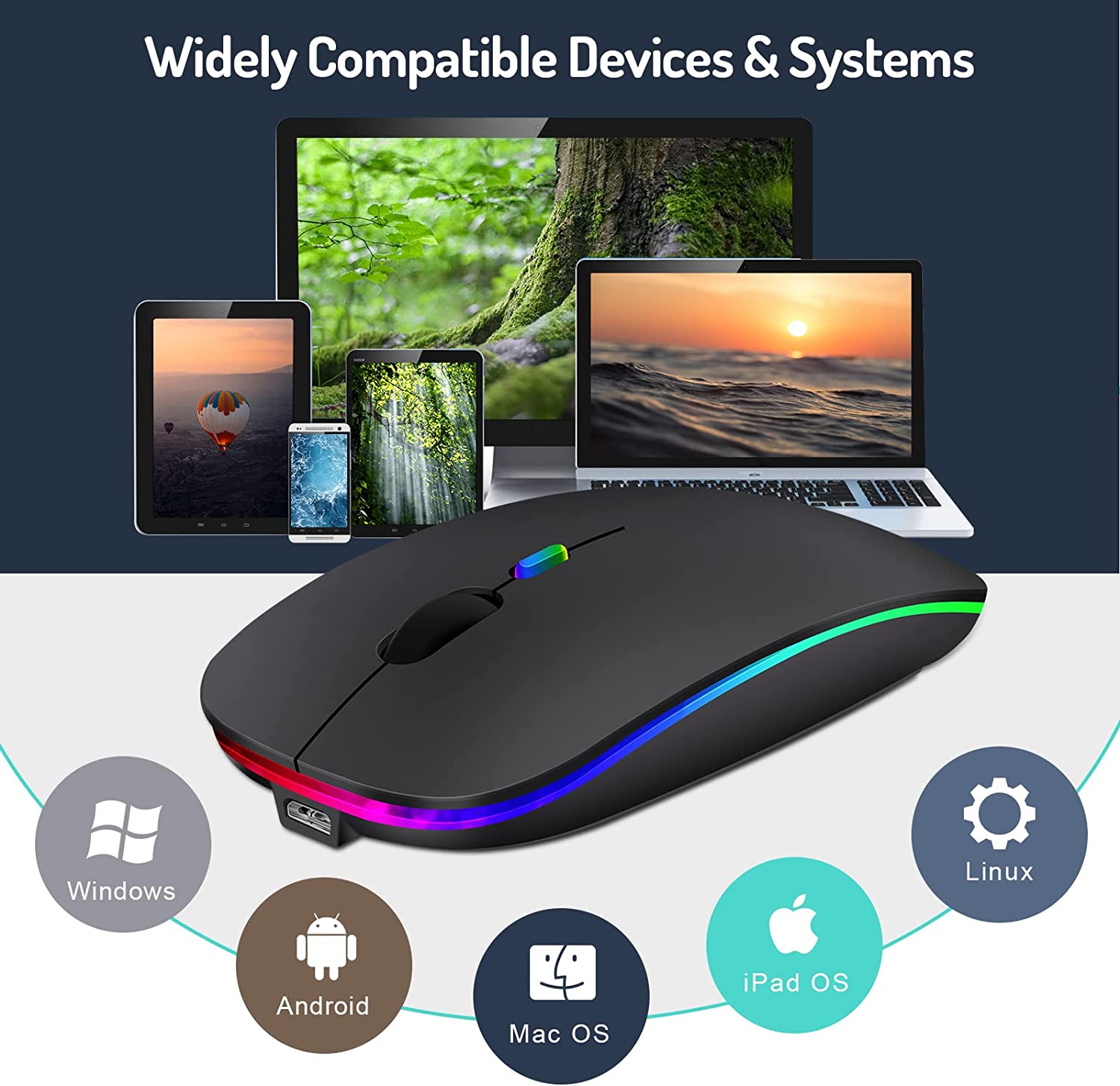
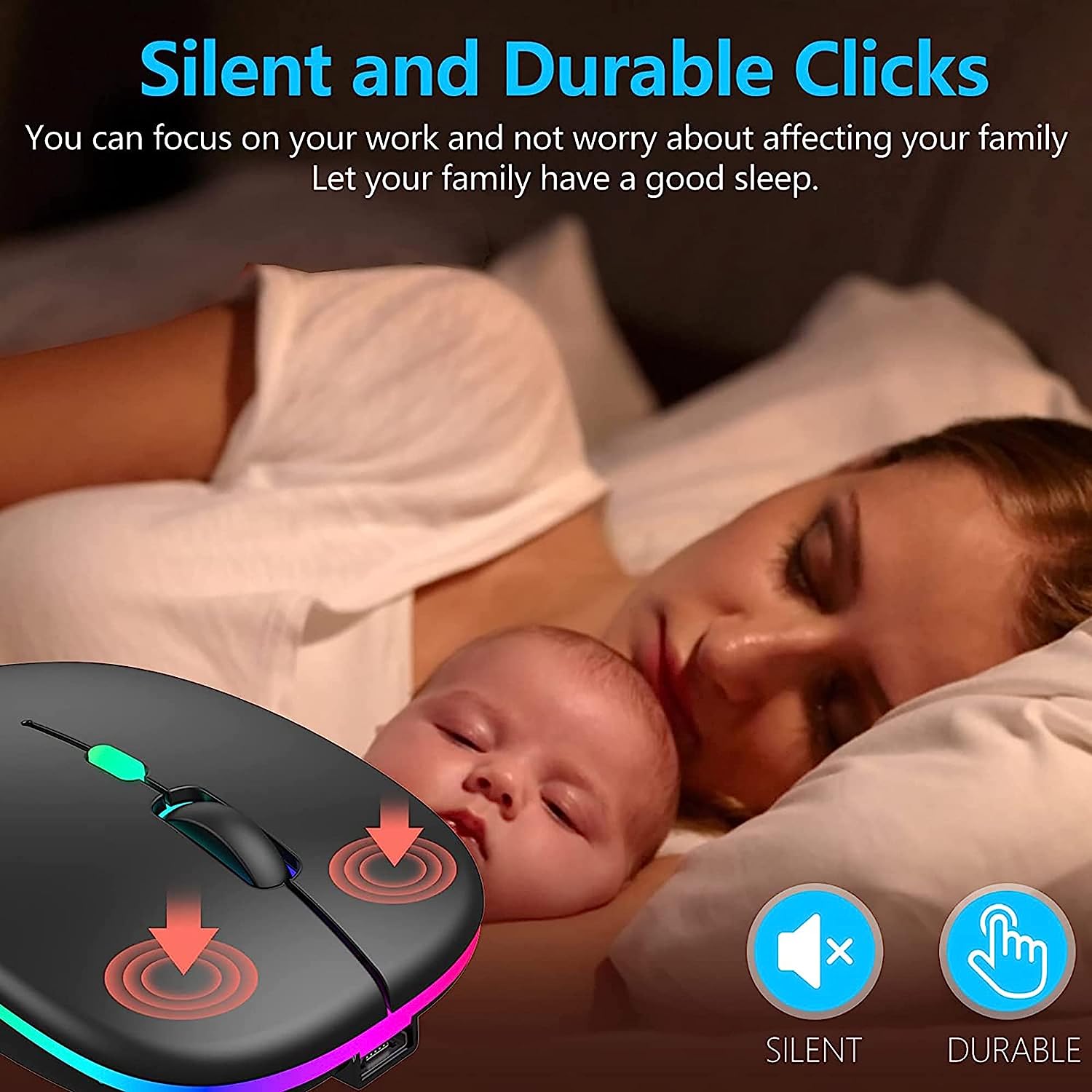
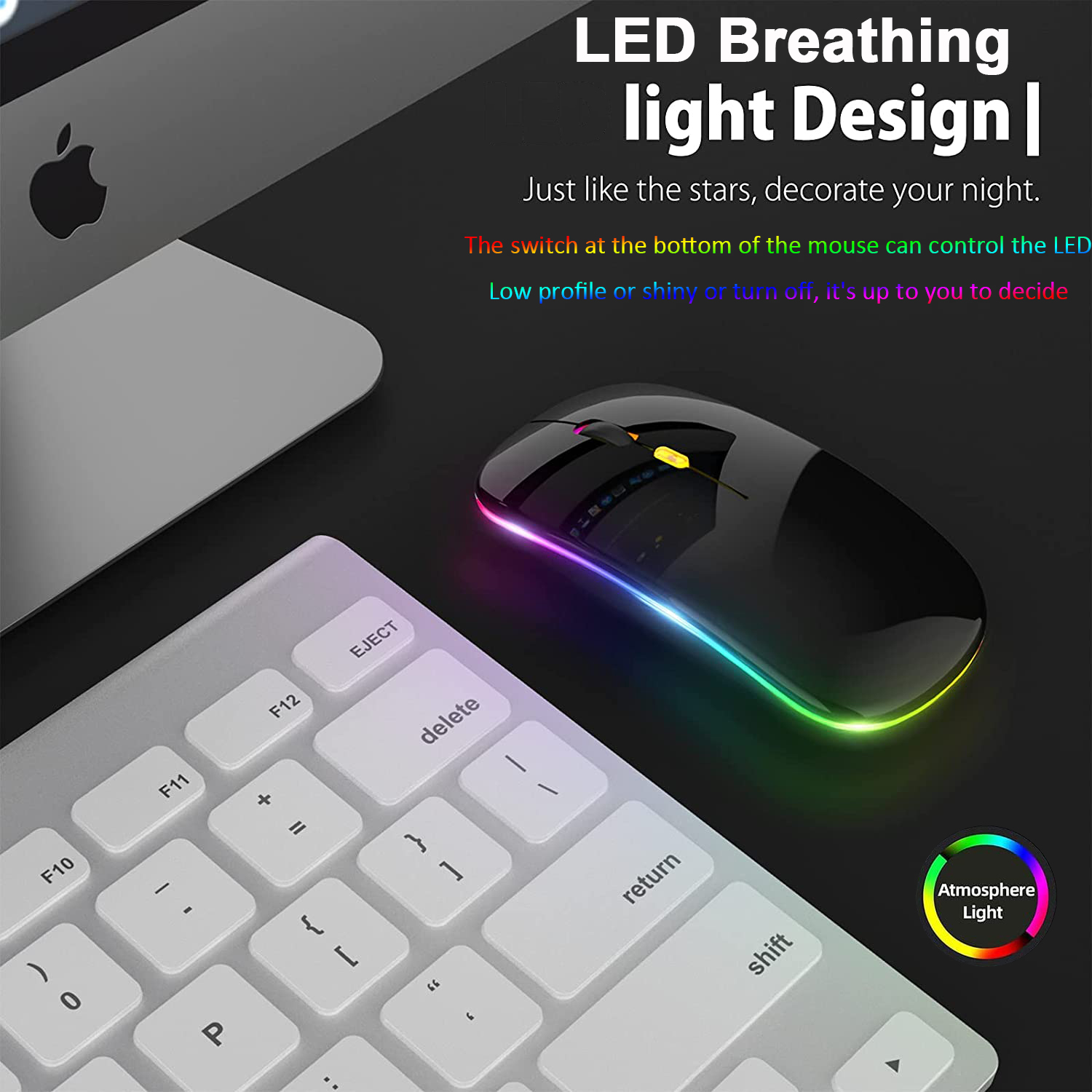
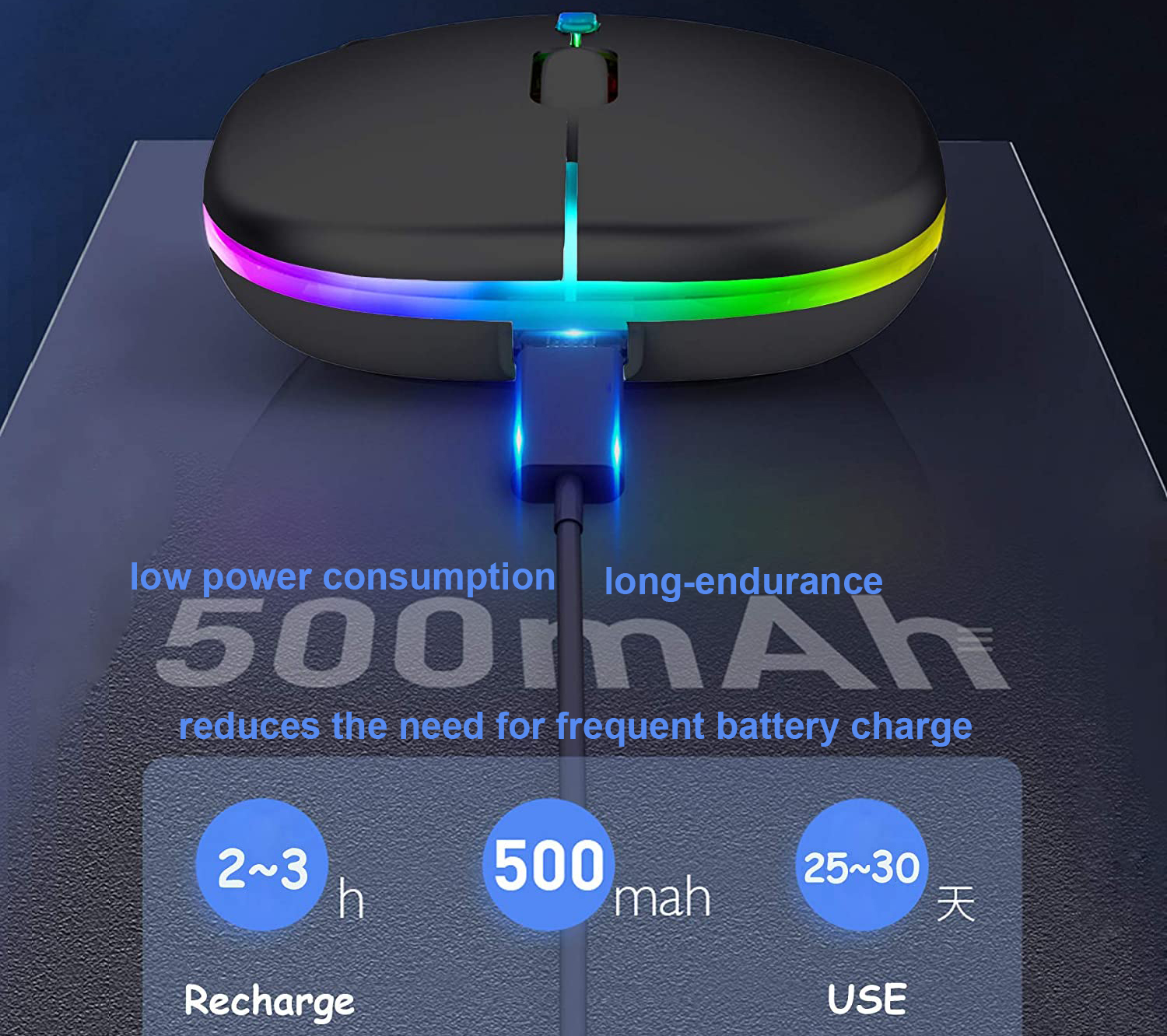
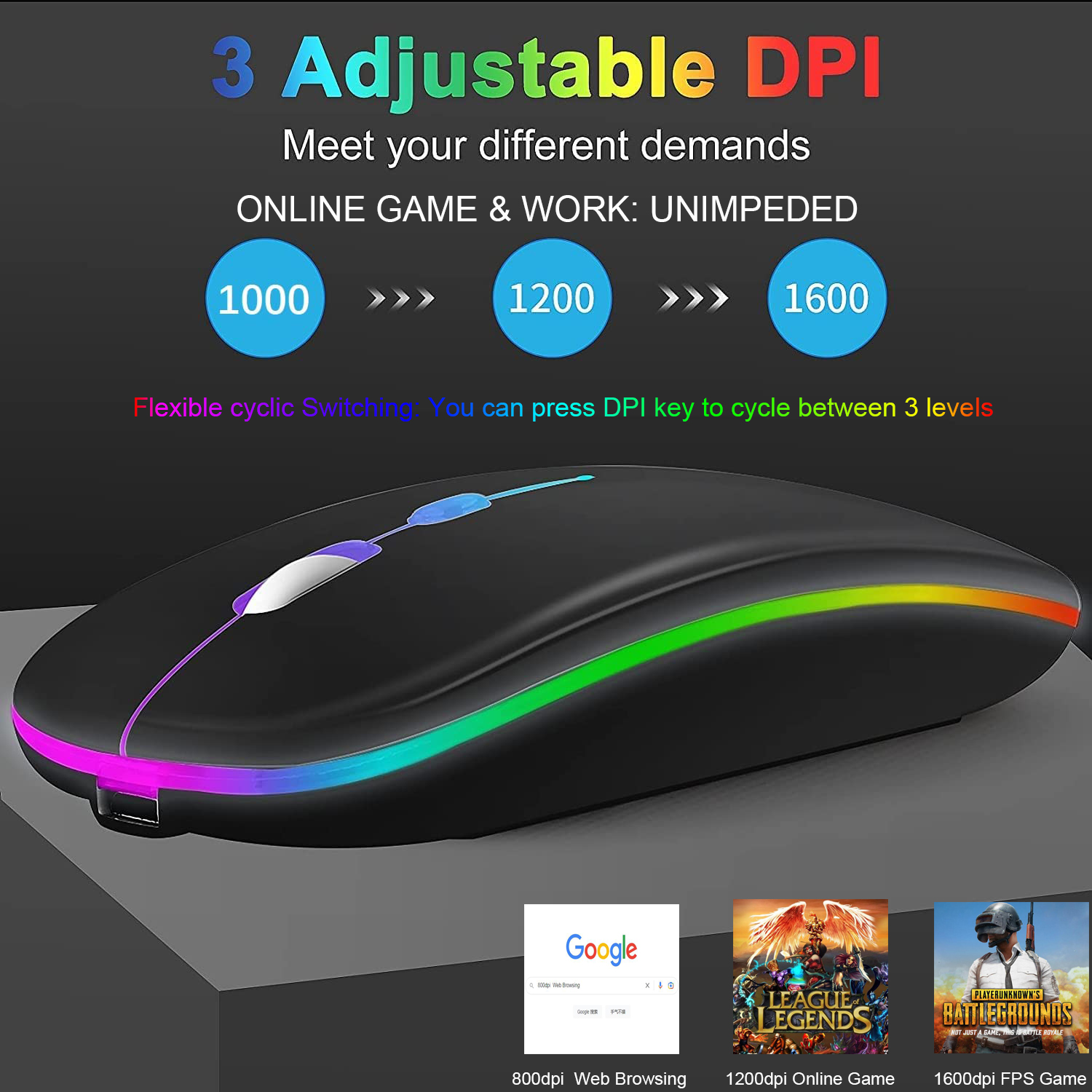
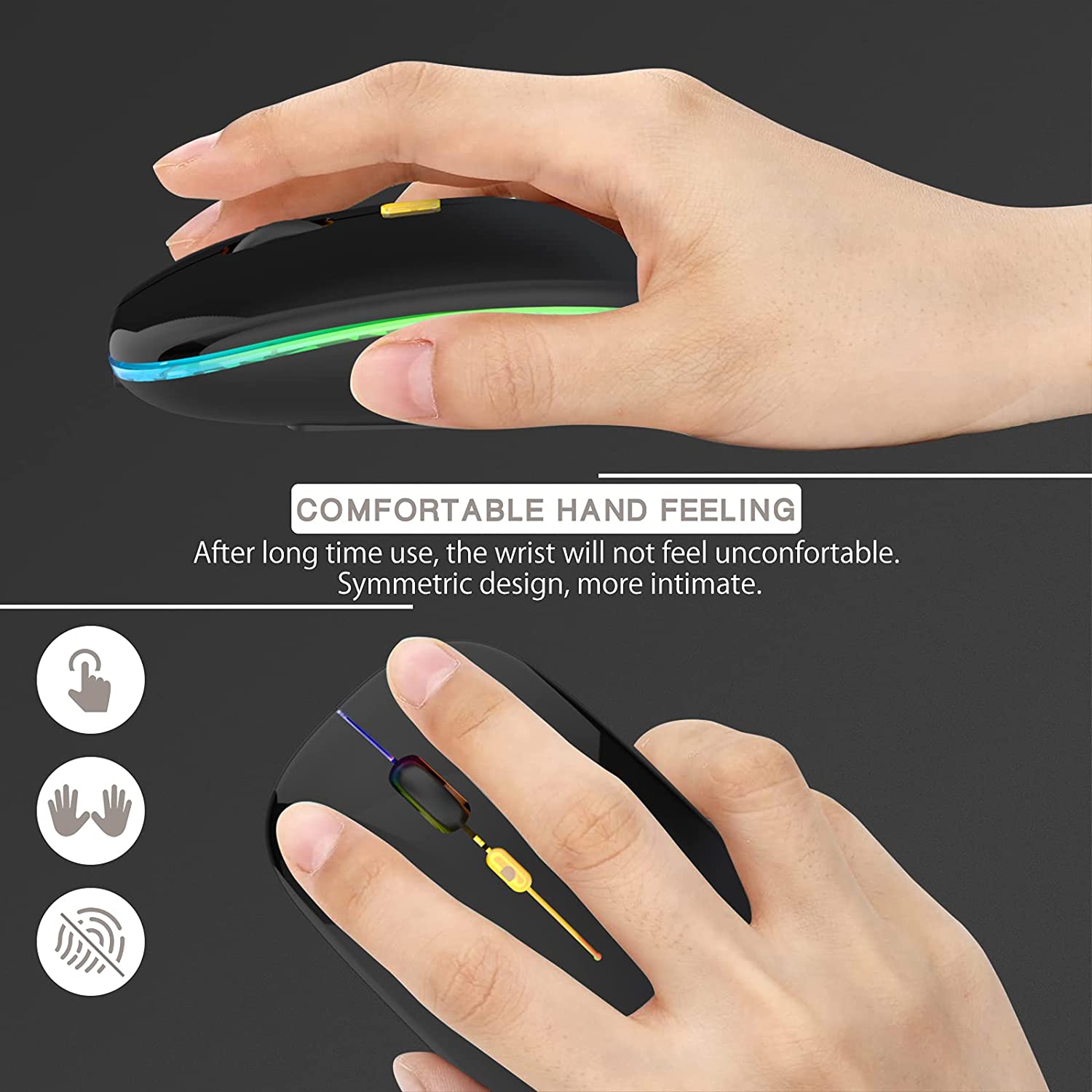
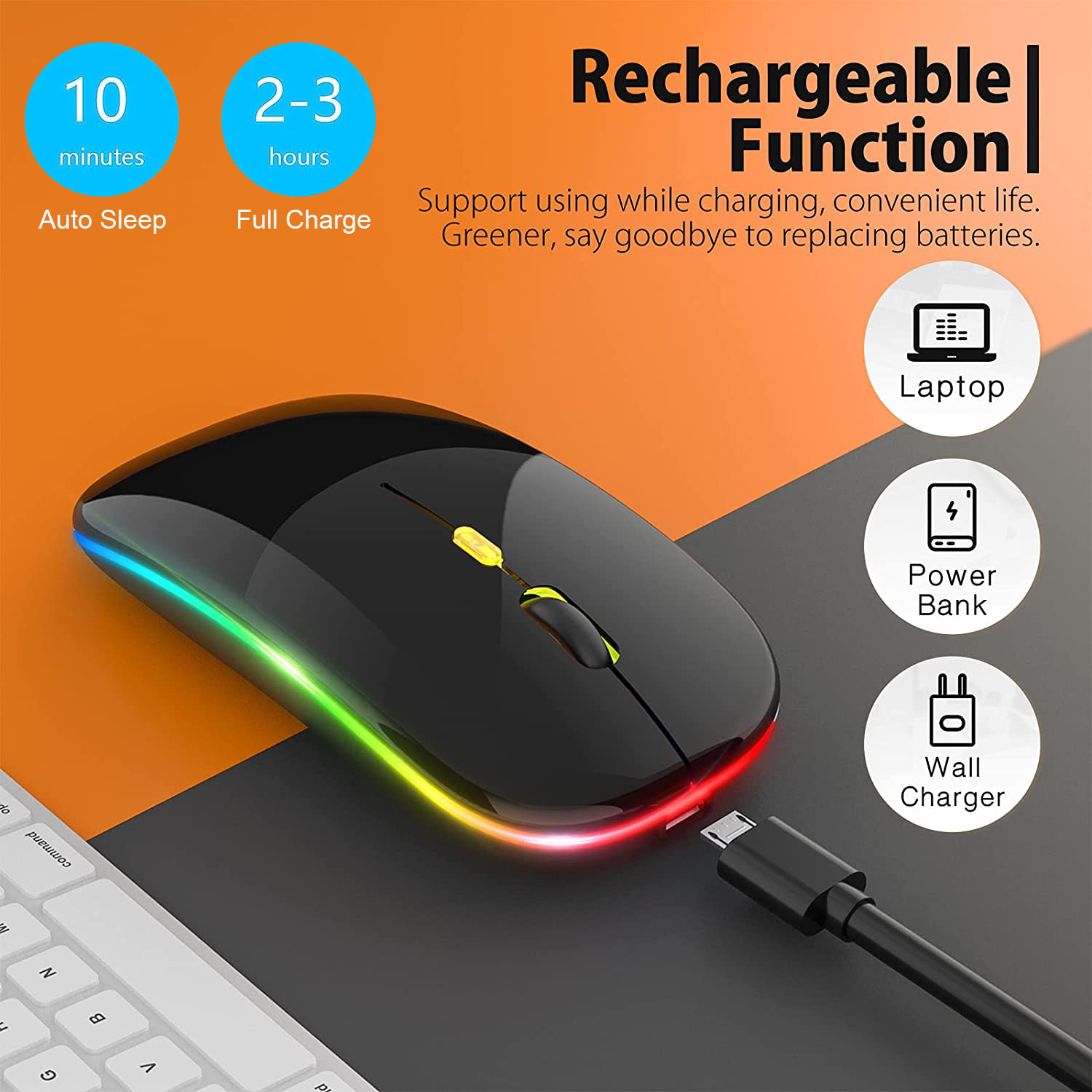
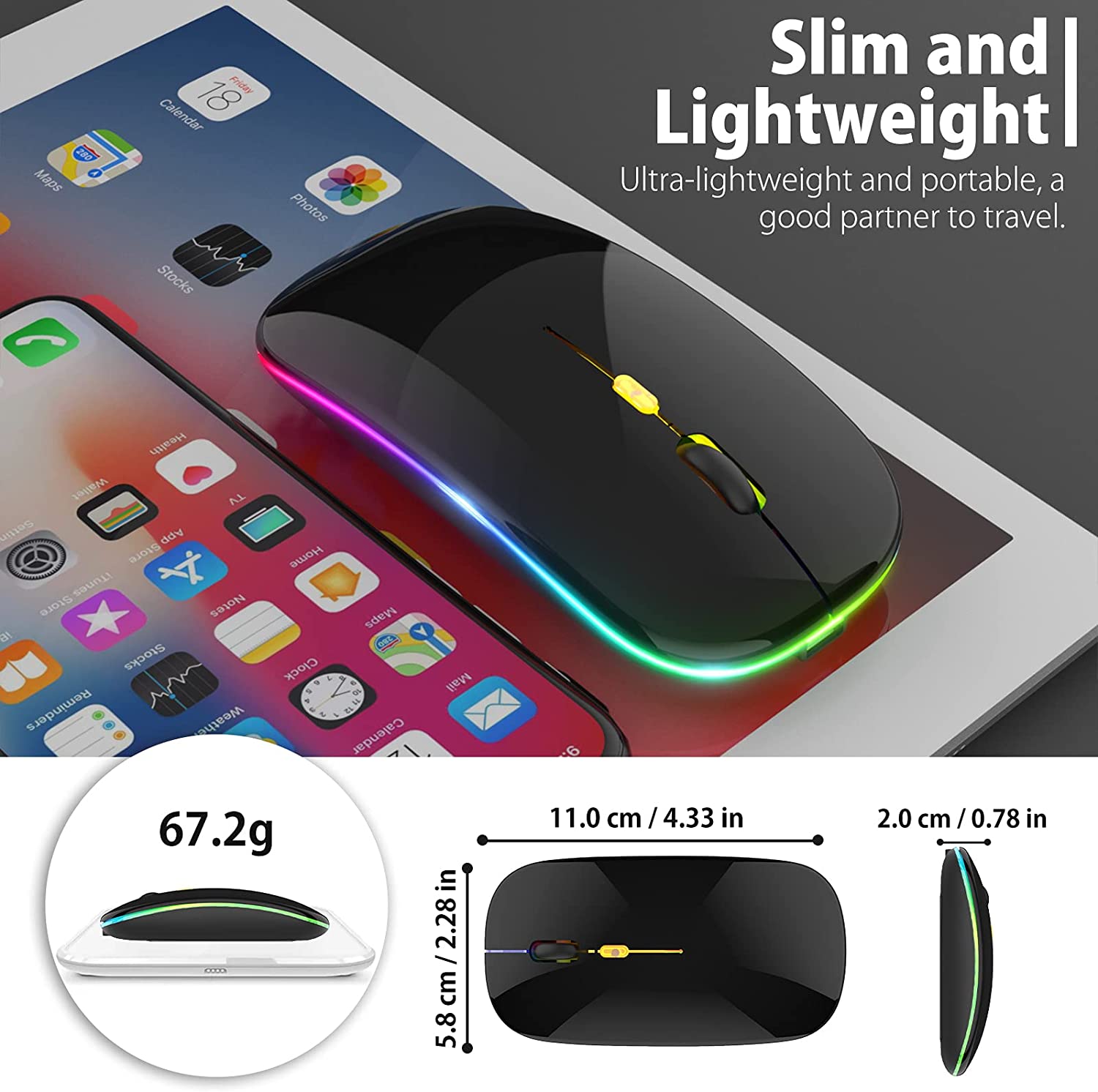
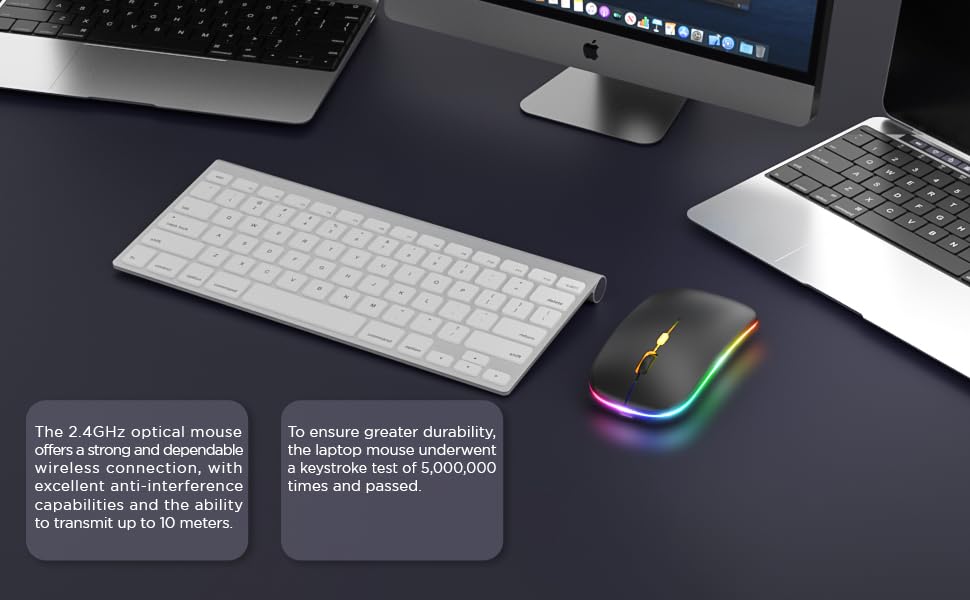
LED‑lit rechargeable mouse with silent click, 3‑level DPI (800/1200/1600), dual 2.4 GHz & Bluetooth (BT5.1) connectivity, up to 30 days battery, ergonomic anti‑fingerprint finish, compatible with PC, Mac, iPad/iPhone.
Our team is ready to help! Please contact us if you have any questions about product specifications, stock availability, or compatibility.


Reviews
Reviews
Write Review